
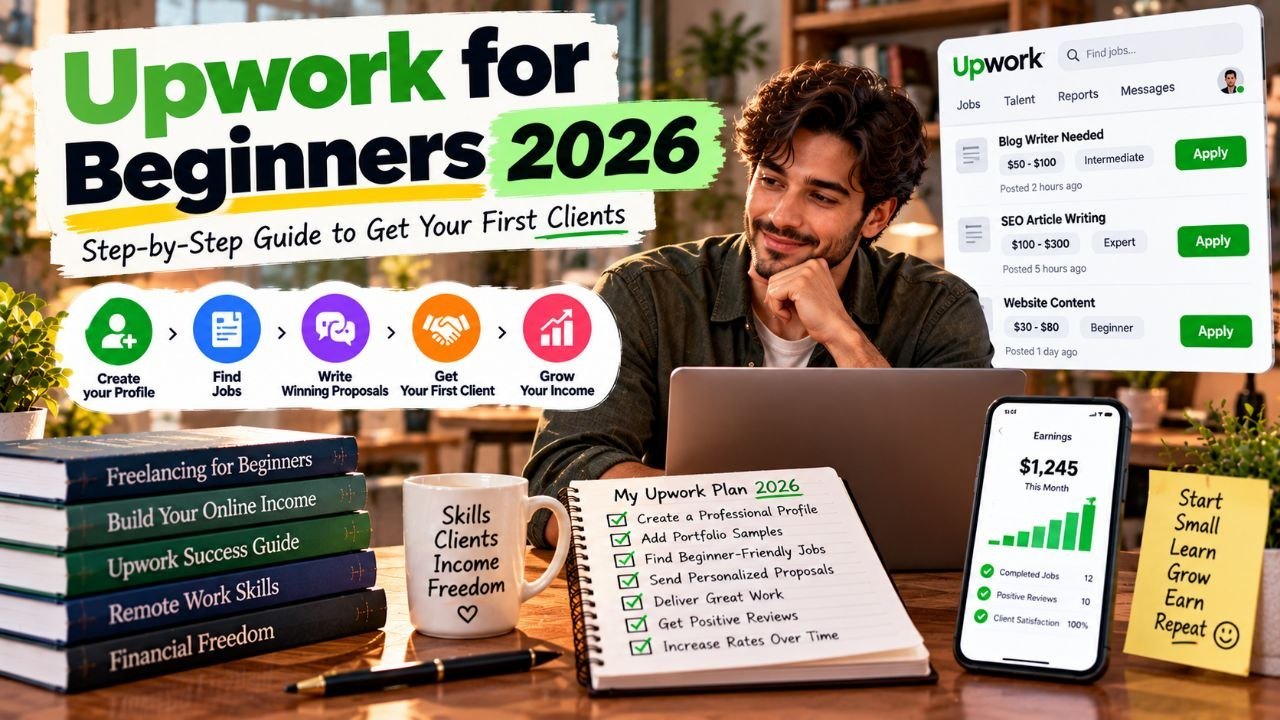
Upwork for Beginners 2026: Connects, Fees, and Your First Job Plan
Short answer: on Upwork you keep 90% of what you earn because the freelancer service fee is a flat 10%. The real beginner trap is not the fee — it is Connects, the credits you spend to send each proposal. Free accounts get 10 Connects a month, and a single entry-level application can cost several of them. Apply randomly and you burn your whole month before you land job one. This guide walks through the fee structure, the Connects math, and a realistic first-30-days plan.
What Upwork Actually Costs a Freelancer in 2026
Upwork simplified its pricing years ago, so most of the old “20% then 10% then 5%” advice you will find online is out of date. The current model is easier to plan around:
- Service fee: a flat 10% of what you earn, on both hourly and fixed-price contracts. A $200 job pays you $180.
- Connects: credits spent to submit proposals. Not a commission — a pay-per-application cost.
- Boosted proposals: optional extra Connects to push your proposal higher in the client’s list. Skip this until you have reviews.
- Withdrawal fees: these vary by payout method (ACH, PayPal, wire, instant transfer). Wire transfers are the most expensive; standard bank transfers are usually the cheapest. Check the current fee schedule before you cash out a small balance.
- Currency conversion: if your client pays in another currency, a conversion spread applies on top.
The takeaway: your commission is predictable, but your application cost is the number that decides whether Upwork is profitable for you in month one.
Connects, Explained Without the Hype
Connects are Upwork’s way of preventing spam. Every proposal costs Connects, and the amount depends on the job — Upwork prices proposals based on factors like budget size and how competitive the post is. Small entry-level postings often sit in the low single digits, while bigger or heavily bid-on projects can run well into the teens.
How many Connects you get for free
On the free Basic plan you receive 10 Connects per month. You can also buy Connects in bundles, which works out to roughly 15 US cents each in the standard packs.
The math most beginners never do
If a typical entry-level post costs 4–8 Connects, then 10 free Connects buys you roughly one to two tailored applications per month. That single fact should change how you work:
- Sending 20 generic proposals is not a strategy — you cannot afford it.
- Sending 2–4 researched, customized proposals is the strategy, and it is the one that converts.
- Buy Connects only once your proposal actually gets replies. Paying to send more bad proposals just makes the failure more expensive.
What Actually Gets a Beginner Hired
Clients do not hire resumes on Upwork. They hire the person who looks like the lowest-risk way to get a specific problem solved. That is a positioning problem, not a talent problem.
Narrow your profile headline
“Freelance writer” competes with thousands of sellers. “SEO blog writer for B2B SaaS companies” competes with dozens, and the client instantly knows whether you fit. Niche down now; you can broaden after you have five reviews.
Build a three-sample portfolio
You do not need paying clients to have a portfolio. Write the article, design the mockup, build the spreadsheet. Three relevant samples beat twenty unrelated ones.
Price your first jobs on purpose
Your goal in the first month is not maximum income — it is three completed jobs with five-star feedback. Take small fixed-price projects you can finish in a day or two, deliver faster than promised, then raise your rate by 10–20% after each batch of reviews. Racing to the bottom on price attracts the clients who cause the most problems.
How to Screen Jobs So Connects Are Not Wasted
Before spending Connects on any posting, run this filter:
- Payment verified and a client with real spend history and a hire rate.
- Clear scope — a defined deliverable, not “help with marketing.”
- Realistic budget for the work described. A 2,000-word article at $10 is a red flag, not an opportunity.
- No free test work. Unpaid “trial tasks” that would take hours are how beginners get used.
- No off-platform payment talk. Paying or being paid outside Upwork breaks the terms of service and removes your protection entirely — that includes “let’s just do this on PayPal.”
- No vague rush. “Need this done in 2 hours” with a big scope usually means an unmanaged client.
Set up saved searches for your niche with a tight keyword filter. Checking a curated list once a day beats scrolling the open job feed for an hour.
Your First 30 Days: A Week-by-Week Plan
Week 1 — Setup
Pick one niche, rewrite your headline, add two related skills, upload three portfolio samples, and save two job searches. Do not send proposals yet.
Week 2 — Two tailored proposals
Pick the two best matches and write each proposal from scratch. Open with the client’s actual problem in one line, name the deliverable you will produce, and finish with a short question that invites a reply. Reference something specific from their post — if the same proposal could go to ten different clients, it is not tailored.
Week 3 — Deliver and collect proof
Over-deliver slightly on the first job: deliver a day early, add a small bonus, and ask for a review the moment the milestone is approved. One 5-star review unlocks better-paying invitations.
Week 4 — Raise your rate and pitch repeat work
Update your profile rate, apply only to jobs at the new number, and ask your existing client whether they have ongoing work. Repeat clients cost zero Connects — that is where Upwork starts paying properly.
Honest expectation: many beginners earn nothing in month one and a few hundred dollars in month two. Consistent, targeted proposals compound; volume does not.
Getting Paid: Timelines, Protection, and Taxes
hourly contracts are tracked through the Work Diary, billed on a weekly cycle, and then held for a short security period before funds become available. Fixed-price contracts use escrow and milestones, so agree the milestone scope in writing before you start and approve promptly when you are the client.
On the tax side, Upwork does not employ you — you are an independent contractor. In the US that means self-employment tax on your net profit and, depending on your volume, an informational form such as a 1099-K or 1099-NEC. Two things matter immediately: set aside a percentage of every payment (not just at year end), and track your expenses from day one — software, equipment, and the platform’s own fees are commonly deductible. Our walkthroughs on self-employment tax for freelancers and legitimate side-hustle write-offs cover the mechanics, and the IRS gig economy tax center is the authoritative starting point.
Should You Start on Upwork or a Gig-Based Platform?
Upwork suits skill-based work you can do repeatedly — writing, design, development, bookkeeping, virtual assistance. If you prefer app-driven work with faster (but lower) payouts, gig apps like Instacart or Amazon Flex pay within days; that tradeoff is covered in our same-day pay gig comparison. Many people run both: gig apps for cash flow now, Upwork for rates that grow. For a side-by-side look at how another marketplace structures fees, see what Fiverr actually pays.
Frequently Asked Questions
Is Upwork free for freelancers?
Yes. The Basic plan costs nothing, includes 10 Connects per month, and charges a flat 10% service fee only when you actually earn. Optional paid plans and Connects bundles exist, but they are not required to start.
How much does it cost to send a proposal?
Every proposal costs Connects, and the amount depends on the job — entry-level posts are usually cheaper than large, competitive ones. With 10 free Connects a month, plan on one to two well-targeted applications unless you buy more.
How long does it take to get the first Upwork job?
With two tailored proposals a week and a finished profile, two to six weeks is a realistic range. It is normal for a first month to produce little or no income.
Do I need experience to start on Upwork?
Not formal experience — you need demonstrable proof of skill. Self-made samples and a tightly defined niche substitute for a résumé, especially on small entry-level projects.
What if a client refuses to pay?
Stay on-platform. Hourly contracts have hourly payment protection when you track time properly, and fixed-price work is backed by escrow. Payments arranged outside Upwork have no protection, and asking for them can get your account suspended.
Can I make a full-time income on Upwork?
Some freelancers do, but it comes from specializing, raising rates, and converting one-off jobs into retainers — not from sending more proposals. Treat the first 90 days as building review capital and treat income growth as a second-quarter goal.
Bottom Line
Upwork is one of the few freelance marketplaces where a beginner can realistically land paid work without an audience, but only if you treat Connects as a budget. Fix your niche, write few and better proposals, deliver fast, collect reviews, then raise your rate. Keep the 10% fee and the 15.3% self-employment tax in your pricing from day one, and month one stops feeling like a gamble.
Prefer selling locally over freelancing? Here is the eBay vs Facebook Marketplace breakdown.
Once you land your first contract, the next step is raising your rate — here are the highest paying freelance skills in 2026 ranked by hourly band.
Not ready to pitch clients yet? Our list of work-from-home jobs with no experience is a gentler way to start earning online while you build a portfolio.
Where this fits in the bigger picture
Upwork income is 1099 income: you are responsible for your own tax and there is no employer withholding. Before you price your first contract, read our guide to self-employment tax in 2026 so the 15.3% is already inside your rate, and claim what you can with the side hustle tax deductions checklist. If you are still deciding what to sell, compare the highest paying freelance skills of 2026, and for fast cash while you build your client list see gig apps that pay same day.