
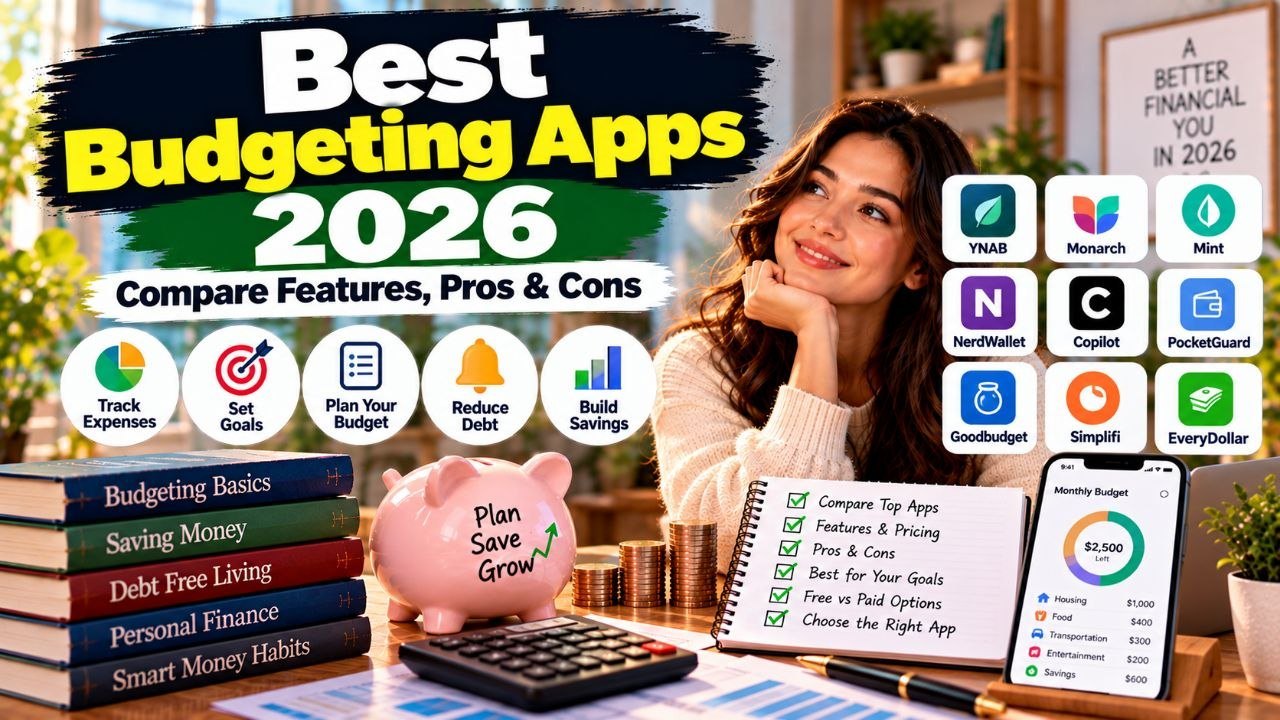
Budgeting apps 2026: the best free picks are Goodbudget for envelope budgeting, EveryDollar for manual zero-based budgeting, and Empower for a free net-worth dashboard.
Most people do not quit budgeting because they are bad with money. They quit because the app they chose made budgeting feel like a second job. You download it, connect five accounts, stare at forty-seven categories, and by the third week you are three days behind on logging your own groceries.
The good news: in 2026 there are more genuinely free budgeting apps than ever, and several of them are actually good. The bad news: the word “free” is doing a lot of quiet work on most pricing pages. This guide compares the free options that hold up, explains what “free” really means in each case, and shows you how to pick one in about ten minutes instead of ten weeks.
What “Free” Really Means in a Budgeting App
Before comparing names, know the four types of “free” you will run into:
1. Free tier (freemium). A real working app with a paid upgrade on top. You can use it forever without paying, but bank connections may be capped, reports may be limited, or the upgrade banner never quite leaves. This is the most common model and it is usually fine.
2. Free trial. Not free. It is a demo with a countdown. Useful for testing whether you like the method, but if you forget to cancel you are paying.
3. Free with ads or data. The app costs nothing because you are not the customer. Sometimes that means banner ads; sometimes it means your transaction data feeds offers. Read the privacy summary before linking a bank account.
4. Genuinely free. Open-source software, or a plain spreadsheet template. No upsell, no ads, no account required. You trade convenience for full control.
A quick sanity checklist for any free app: Can you add transactions manually? Can you export your data to CSV? Can you keep your budget if you stop using bank sync? If the answer to all three is yes, you are dealing with a free tier and not a trap.
The Best Free Options in 2026, Compared by What They Do Well
There is no single winner, because budgeting apps solve different problems. Here is the honest breakdown by job.
| App | Free option | Best for | Bank sync on the free plan | Watch out for |
|---|---|---|---|---|
| Goodbudget | Free tier with limits | Envelope budgeting | Yes (limited connections) | Free tier caps envelopes and accounts |
| EveryDollar | Free tier | Zero-based budgets, manual style | No — manual entry | Full bank sync sits behind the paid plan |
| Rocket Money | Free tier | Finding and cancelling subscriptions | Yes | Upsells appear constantly; check what is actually free |
| Empower (Personal Dashboard) | Free | Net worth and investing view | Yes | Lighter on day-to-day category budgeting |
| YNAB | No free tier (trial only) | Committed zero-based budgeters | Yes | Paid subscription once the trial ends |
| Mint | Discontinued in 2024 | Nothing — legacy users only | No | Export your data and migrate before relying on it |
| Google Sheets / Excel | Free | Full control, no data sharing | No | You build and maintain the whole thing |
Confirm current pricing and features on each app’s own site before you sign up — free tiers in this category change more often than the tax rules do.
If you saw Monarch, Simplifi, Copilot, or PocketGuard in other 2026 roundups, check whether they still offer a free tier before counting them as free – several popular apps are paid-only or trial-only, which is why this table only lists apps with a genuine free option.
If you want the envelope method without spending anything: Goodbudget’s free tier is built around digital envelopes, which is the closest thing to the classic cash-in-envelopes system. Its free version leans on manual entry and caps the number of envelopes, which is a feature in disguise — fewer buckets means fewer excuses.
If you want zero-based budgeting and manual control: EveryDollar’s free version is manual entry only, and that is exactly why some people stick with it. Typing each transaction takes about two minutes a day and makes spending painfully visible. The paid tier exists mainly to add bank syncing.
If you want the most disciplined envelope system overall: YNAB is the name most people hear first, and it is excellent — but its free period is a trial, not a permanent free tier. If you are not ready to subscribe, use it as a benchmark and copy the method into a free app instead.
If you want a free overview of everything at once: free dashboard and net-worth style apps such as Empower are strong at showing the whole picture — accounts, debt, investments — but they are better at tracking than at telling you what to do next. Think of them as a scoreboard, not a coach.
If you want to cancel subscriptions and cut bills: Rocket Money’s free tier is less about budgeting categories and more about spotting recurring charges you forgot about. It is a gap-finder, not a full budget.
If you want total ownership and no account at all: open-source options like Actual Budget (which you can self-host) and spreadsheet templates in Google Sheets or Excel are free forever. They reward a little setup effort with complete control and easy export.
The short version: envelope people should look at Goodbudget or an open-source app, manual-entry people at EveryDollar’s free tier, and overview people at a free dashboard app. Most people who fail chose a tool built for a different personality.
How to Choose in Ten Minutes
Skip the reviews. Answer four questions instead.
Question 1: Do you want to plan money or just watch it? Planning means assigning every dollar a job before you spend it (envelope or zero-based). Watching means tracking what already happened and adjusting next month. Planners need envelope apps; watchers can use almost anything.
Question 2: Do you want bank sync or manual entry? Sync saves time but adds a dependency: if the connection breaks, your budget goes blind until you fix it. Manual entry takes minutes a day and works forever, even with cash. Many free tiers are manual-only, which is why they stay free.
Question 3: Is anyone else involved? Shared budgets, second logins, and partner visibility are the features free tiers most often restrict. If two people need to see the same numbers, check that before you commit a month of effort.
Question 4: Can you get your data out? If you cannot export to CSV, you do not own your history. A tool you can leave is a tool you can trust.
Whichever app passes those four questions is the right app — even if a blog ranked it fifth.
Setting Up Without Burning Out
The most common setup mistake is doing too much on day one. Do this instead:
Week one: track only three categories. Housing, food, and transport. That is it. Add nothing else, no matter how tempting.
Week two: add one category that keeps surprising you — usually subscriptions, delivery, or “small stuff”.
Week three: look at the last three weeks and set one realistic number. Not the number you wish were true; the number your bank statement says is true.
Week four: pick the single biggest leak and change one habit. Cancel one subscription, or move one weekly order to a planned monthly one.
Thirty days of that beats a perfect budget you abandon by Friday. Budgeting is a habit problem long before it is a software problem.
Free-Tier Traps to Watch For
Paywalled export. If your history is trapped behind a subscription, that is a business model, not a feature. Check export before you invest months of data.
Connection limits. Free plans often allow only a couple of linked accounts. With several cards and savings accounts, you may hit the ceiling in the first hour.
Nagging upgrades. Some free tiers interrupt every session. That friction is why people quit — not the missing features.
Free that quietly ends. Apps get acquired and pricing changes. Assume any free tier can shrink, and keep your own copy of the numbers.
Over-sharing. Give a budgeting app read-only access where possible, use a unique password, and be cautious about apps that ask for more access than a budget needs. A budgeting tool has no reason to send money anywhere.
When Paying Is Actually Worth It
Paying for a budgeting app is worth considering in exactly three situations: you need reliable shared access with a partner, you need automations that the free tier blocks, or the free version’s friction keeps costing you weeks of momentum.
Compare the annual cost to what it is meant to save. If an app costs roughly the price of two takeaway orders a month and it stops you from leaking several times that, the math is simple. But if you are still in your first month, do not pay yet. Prove the habit first, then upgrade the tool.
The Bottom Line
Start free, start small, and start with three categories. Pick an app that matches how you actually think about money — envelopes if you plan, tracking if you watch, dashboards if you want the big picture. Keep your data exportable, downgrade your expectations about perfection, and give it thirty days. A free app used consistently beats a paid app opened twice.
FAQ
Are free budgeting apps safe to connect to my bank?
Major apps use read-only connections through established data providers, so they can see transactions but cannot move money. Still, use a strong unique password, prefer read-only access, and check the privacy policy before linking. If you are uncomfortable, manual entry is perfectly safe.
What is the best free budgeting app overall?
There is no universal winner. For envelopes, Goodbudget’s free tier is the closest match. For manual zero-based budgeting, EveryDollar’s free version works well. For full control and no account, an open-source app or a spreadsheet template is the most durable choice.
Do I need to connect my bank account to budget?
No. Manual entry takes a couple of minutes a day and actually builds awareness faster because you see every transaction. Bank sync is a convenience, not a requirement — and many free tiers are manual-only anyway.
Is Mint still available?
No. Mint shut down in 2024, and many of its users moved to other free dashboards or to paid alternatives. If you are following an old tutorial, check the date before downloading anything.
What is the envelope method?
You give each spending category a fixed amount for the month, and when the envelope is empty, spending in that category stops until next month. Digital envelope apps do the same thing without physical cash, which is why they are popular for tight budgets.
If you are running a payoff plan, the order you pay accounts in matters — see our debt snowball vs avalanche comparison before you send extra money anywhere.
If your budget is coming out tight no matter what you cut, the faster lever is usually income rather than apps. Our guide to realistic ways to make money online covers side income that fits around a full-time schedule — and it pairs well with the tracking habits above.
Self-employed health insurance costs in 2026 run $350-$700 a month before subsidies – so if your income is irregular, budget for health cover as a fixed cost first, and plan spending from your lowest month, not your best one.
Sinking fund guide: envelope budgeting works best when big irregular bills have their own envelope – set up your first sinking funds before they are due.
More from Root Earn
Related guides
If you are comparing earnings across platforms, these recent breakdowns use the same 2026 pay data and after-expense math:
- Virtual assistant pay in 2026 (real hourly math)
- How much do Twitch streamers make in 2026
- Rover sitter pay in 2026
- UPS driver pay in 2026
- Uber driver pay in 2026
- Airbnb host income in 2026